The Critical Intersection Between SEO and Accessibility
Consider this: web accessibility can boost your site’s traffic and revenue significantly. It’s not merely a legal requirement or a ‘nice-to-have’ feature; it’s a strategic advantage that is often overlooked. When nearly 20% of the global population experiences some form of disability, your website potentially alienates this massive audience if you don’t prioritize accessibility. Are you ready to tap into this underserved market?
Why Accessibility Should Matter to You
The stakes are high for businesses operating online. A lack of accessibility can damage user experience, limit your audience, and lead to potential legal ramifications. This isn’t just about compliance; it’s about inclusivity and ensuring you are reaching every customer.
According to the World Health Organization, over a billion people live with disabilities. When your site isn’t user-friendly for these individuals, you’re essentially closing the door on a significant chunk of potential customers. Furthermore, search engines like Google increasingly favor accessible websites in their rankings, linking accessibility to improved SEO outcomes.
“With approximately 70% of the web’s traffic coming from non-keyboard devices, neglecting accessibility may cost you users and revenue.”
Assessing Your Current Accessibility Standing
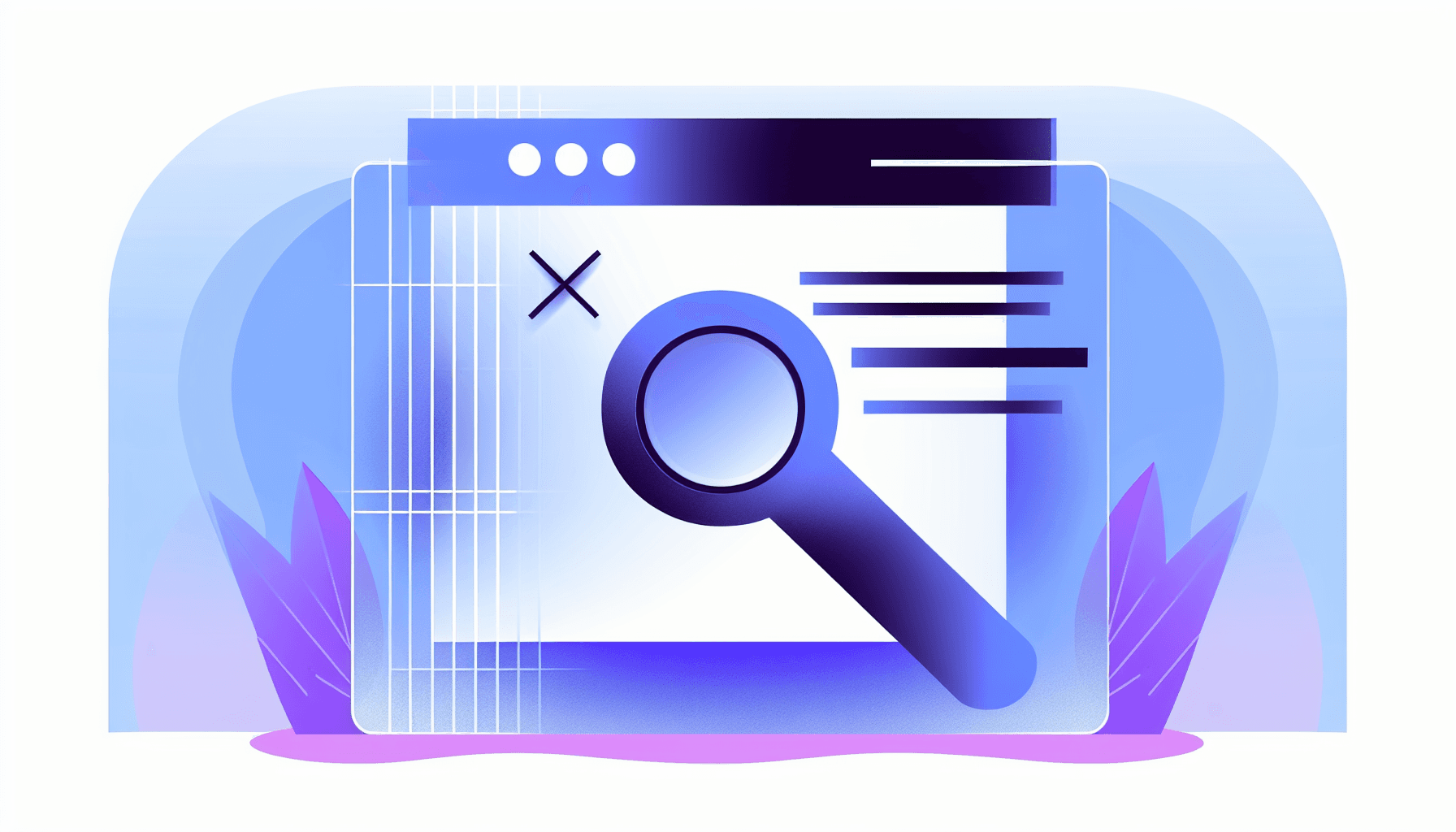
Before making improvements, you need to know where you currently stand. Utilize tools like WAVE or the Chrome Accessibility Developer Tools plugin to identify issues on your WordPress site. These tools can help you analyze things like:
- Image alt text usage
- Heading structure
- Keyboard navigability
- Color contrast ratios
For example, if images lack descriptive alt text, you’re not just making it harder for visually impaired users; you’re also missing out on critical SEO benefits since search engines rely on alt text to understand your content.
Real-World Impact of Accessibility
Several organizations have demonstrated the financial benefits of embracing web accessibility. For instance, a retail company saw a 60% increase in sales after revamping their website for accessibility. This case highlights that it’s not just an ethical decision; it’s economically savvy.
Best Practices for Making Your WordPress Site Accessible
Improving accessibility on your WordPress site is straightforward when you know the key elements to focus on. Here are some actionable steps:
- Descriptive Alt Text: Always include meaningful alt text for images. This not only helps users with screen readers but also enhances your SEO.
- Semantic HTML: Use appropriate HTML elements for headings, lists, and navigation. This improves readability for assistive technologies.
- Keyboard Navigation: Ensure that all interactive elements can be accessed via keyboard shortcuts. This is crucial for users who cannot use a mouse.
- Color Contrast: Make sure your text has sufficient contrast against backgrounds. Contrast checkers can help you meet recommended ratios.
Implementing these practices doesn’t require an overhaul of your site. Often, small adjustments lead to significant improvements.
“Most plugins get accessibility wrong by neglecting to consider how their features interact with assistive technology.”
The Long-Term Benefits of Accessibility
Investing in accessibility is not a one-time fix but a continuous commitment. As technology evolves, so do accessibility standards. By making your site compliant today, you’re preparing your business for future growth opportunities.
Beyond traffic and revenue, fostering an inclusive environment strengthens your brand reputation. Consumers are more likely to support businesses that demonstrate social responsibility.
Key Metrics to Monitor
As you implement accessibility improvements, it’s essential to track metrics that gauge their impact. Keep an eye on:
- Website traffic analytics
- Conversion rates
- User feedback
- Engagement metrics such as session duration
Monitoring these indicators will help you understand the effectiveness of your efforts and identify areas for further enhancement.
What You Should Do Next
To capitalize on the advantages of web accessibility, begin with an audit of your current site. Utilize actionable insights from analysis tools, and bring in your team or hire an expert to implement needed changes. Start small; focus on one or two improvements at a time.
Additionally, consider crowd-sourcing feedback from users, particularly those who utilize assistive technologies. Real user experience offers the best insights into how your changes are received.
Rethink Your Digital Strategy
Web accessibility is not just about doing the right thing; it’s a savvy business strategy that can multiply your reach, improve customer satisfaction, and increase your bottom line. As designers and developers, it’s our responsibility to create spaces where everyone feels welcome. Are you ready to make your WordPress site universally accessible, and in doing so, transform your approach to web development?